Understand Retention and Event-Level Statistics
Read time-series and event results with freshness, retention, and deletion context.
Written By 4ALL.LIVE
Last updated 4 months ago
Read time-series and event results with freshness, retention, and deletion context.
Best for: Authorized producers, analysts, accessibility leads, organization owners, and support staff.
Before you start
Availability depends on role, event access, plan entitlements, retained source data, export/AI/statistics features, and privacy policy.
- Confirm exact organization, event, language, and reporting period.
- Verify requester, recipient, and retention/privacy authorization.
- Preserve raw source data before cleanup, editing, or deletion.
What to know
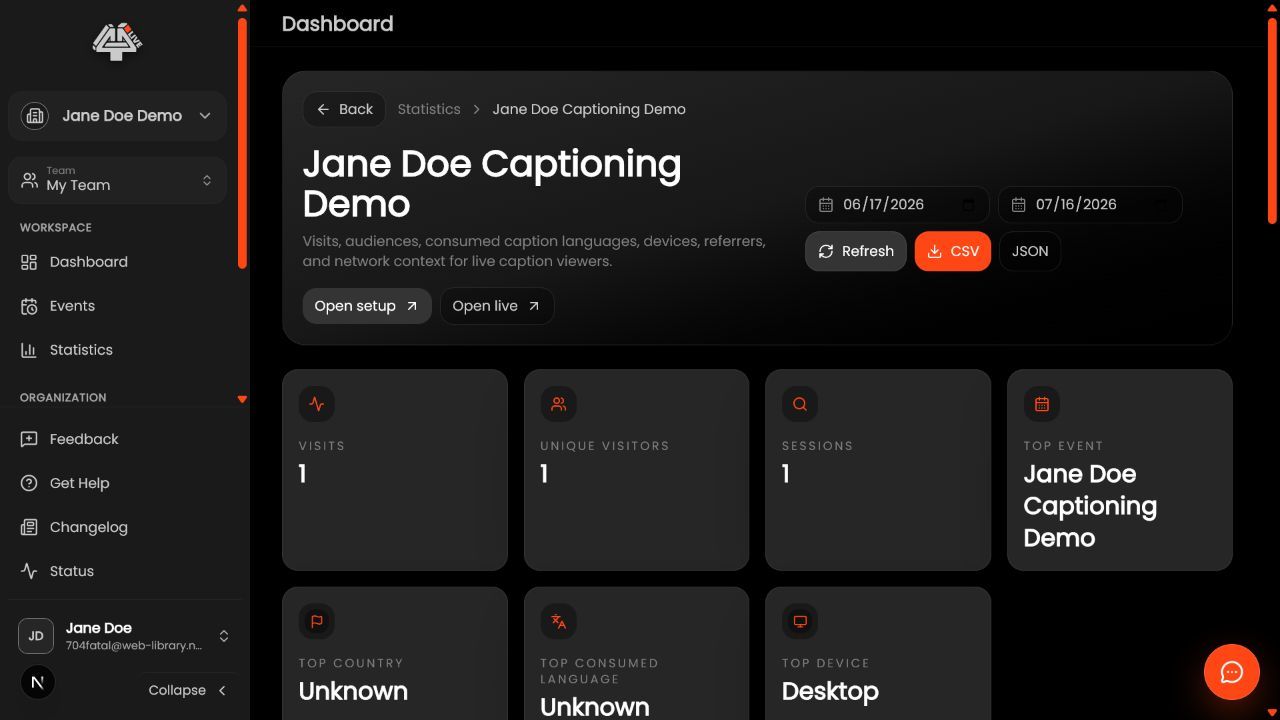
- Confirm retention. Transcript/session/audience/technical availability.
- Open event stats. Verify event/date/team.
- Inspect timeline. Relate peaks/gaps to cues/incidents.
- Inspect language/output. What was live.
- Interpret retention. Session/browser not people.
- Correlate audit. Operations/incidents.
- Account for deletion. Removed data may not return.
- Export evidence. Label scope/freshness.
What this unlocks: The deliverable or analysis is correct for the intended scope, reviewed, reproducible, and protected according to policy.
Check your understanding
- Trends avoid unsupported causation/identity.
- Time zone/window recorded.
- Retention explicit.
Common misconceptions
Gap
Check live state, retention, service, filter.
Inflated peak
Review refresh/embed/bots/shared devices.
History absent
Check deletion/retention/org.
Good to know
- Data can be personal/technical.
- Do not deanonymize.
- Follow retention.
Related guides
Documentation status: Draft for operational, privacy, and analytics review before publishing.
Was this helpful?
Still need help? Ask the team