Enable and Share Remote Control Safely
Enable remote operation for authorized roles and distribute access without treating it as a public link.
Written By 4ALL.LIVE
Last updated 4 months ago
Enable remote operation for authorized roles and distribute access without treating it as a public link.
Best for: Event producers, display operators, accessibility leads, broadcast/AV engineers, web teams, and authorized remote operators.
Before you start
Availability depends on event access, plan entitlements, destination enablement, language configuration, and supported browser/display/network behavior.
- Use the correct event and final source/target language configuration.
- Know the physical or web destination, resolution, audience, privacy level, and monitoring owner.
- Test the final receiving screen, embed, graphics path, or operator device—not only the setup preview.
Setup and sharing
- Confirm entitlement and need. Remote Control should solve a defined operational requirement.
- Assign role/scopes. Grant only required event/live/tuning/glossary/output actions; separate takeover.
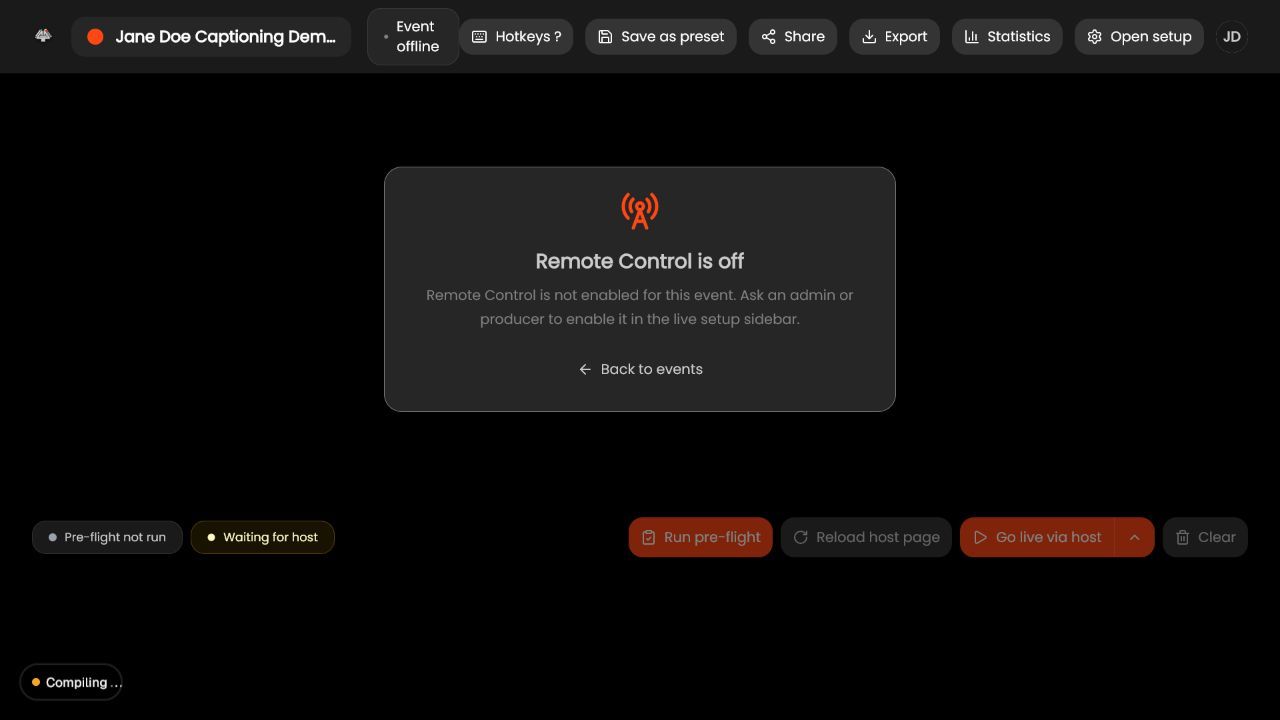
- Enable on the event. Use Live Setup sidebar/control and wait for confirmation.
- Open Share. Copy the Remote Control destination.
- Send through an approved private channel. Recipient must authenticate with an authorized individual account.
- Have the host connect. Local devices/routing remain with the Live Setup host.
- Test allow/deny behavior. Use a non-production event.
- Monitor presence/audit. Know who is connected and disable/revoke after the event.
What success looks like: The intended audience or operator receives the correct event, language, styling, and control level with a documented reconnect and fallback path.
Check your setup
- Authorized controllers can perform only approved actions while public viewers cannot access the control surface.
Troubleshooting
Remote Control off
An authorized producer enables it and confirms entitlement.
Authenticated but denied
Check role/scopes/team/event.
No device state
Host must open Live Setup on device-owning machine.
Security and operational notes
- Remote Control URL is sensitive.
- Never share accounts.
- Disable temporary access after use.
Related guides
Was this helpful?
Still need help? Ask the team