Extended Screen Styling and Content
Use independent language, typography, sponsor/logo, and HUD settings without confusing the primary Program Display.
Written By 4ALL.LIVE
Last updated 4 months ago
Use independent language, typography, sponsor/logo, and HUD settings without confusing the primary Program Display.
Best for: Event producers, display operators, accessibility leads, broadcast/AV engineers, web teams, and authorized remote operators.
Before you start
Availability depends on event access, plan entitlements, destination enablement, language configuration, and supported browser/display/network behavior.
- Use the correct event and final source/target language configuration.
- Know the physical or web destination, resolution, audience, privacy level, and monitoring owner.
- Test the final receiving screen, embed, graphics path, or operator device—not only the setup preview.
Step by step
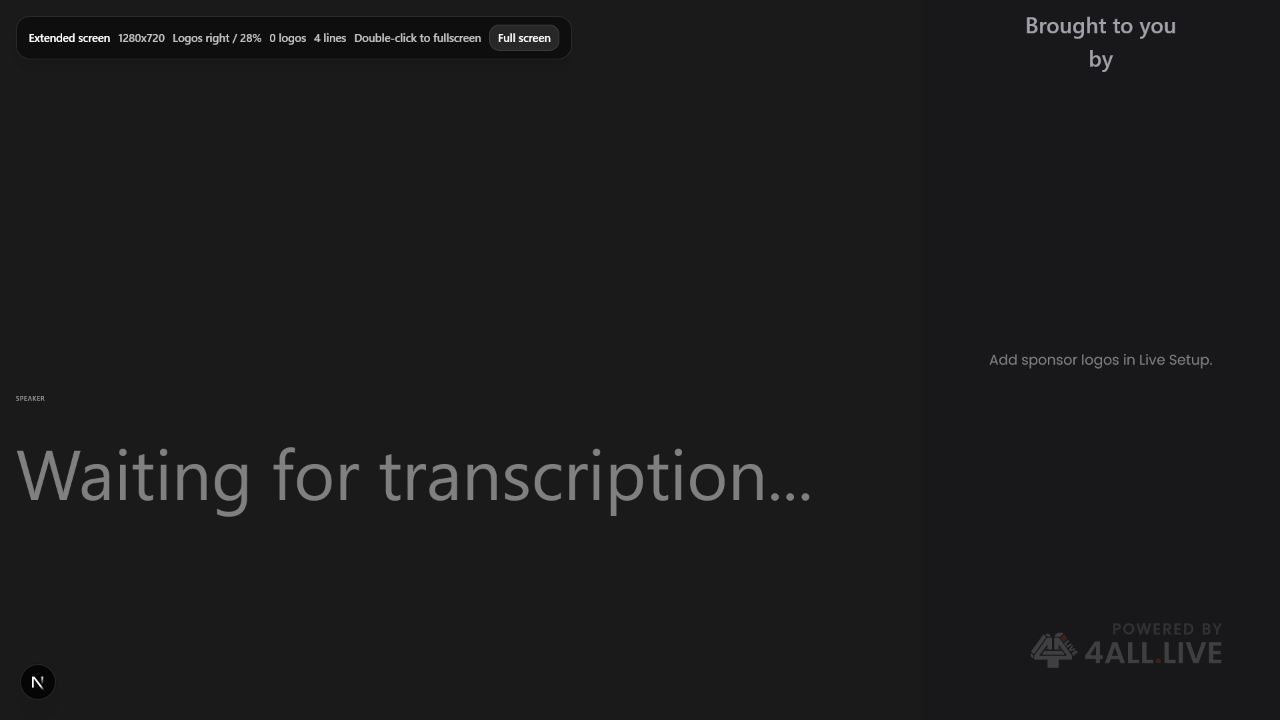
- State the screen purpose. Secondary language, overflow, sponsor, operator confidence, or stage use.
- Choose language independently. Verify translation freshness and fallback label.
- Set readable style. Design for this screen’s size/distance and longest target language.
- Add approved branding. Logos/sponsors must not reduce caption area/contrast.
- Configure HUD. Show status/diagnostics only to authorized operator audiences.
- Test independence. Change Extended settings and confirm Program Display remains unchanged.
- Test disconnect/reconnect. Verify intended state persists or can be restored quickly.
- Document owner. Name who may change it live.
What success looks like: The intended audience or operator receives the correct event, language, styling, and control level with a documented reconnect and fallback path.
Check your setup
- Extended Screen fulfills its distinct purpose without altering Program Display or exposing private HUD information.
Troubleshooting
Program and Extended look identical unexpectedly
Check screen-specific settings versus shared organization/event defaults.
Target language stale
Check translation/provider and selected locale.
Sponsor overlaps text
Adjust safe areas/layout or remove branding.
Security and operational notes
- Audience accessibility outranks sponsor density.
- Do not expose diagnostics to public viewers.
- Test longest translations.
Related guides
Was this helpful?
Still need help? Ask the team