Complete the Setup Wizard
Build an event through workflow, audio, language, display, sharing, and readiness stages.
Written By 4ALL.LIVE
Last updated 4 months ago
Build an event through workflow, audio, language, display, sharing, and readiness stages.
Best for: Organization administrators, event producers, live operators, and authorized support staff.
Before you start
Event access and actions depend on organization role, team scope, plan entitlements, limits, and current event state.
- Use an individual verified account in the correct organization and team.
- Confirm the event owner, live operator, output owner, and incident authority.
- Review the current configuration before changing an existing or live event.
Step by step
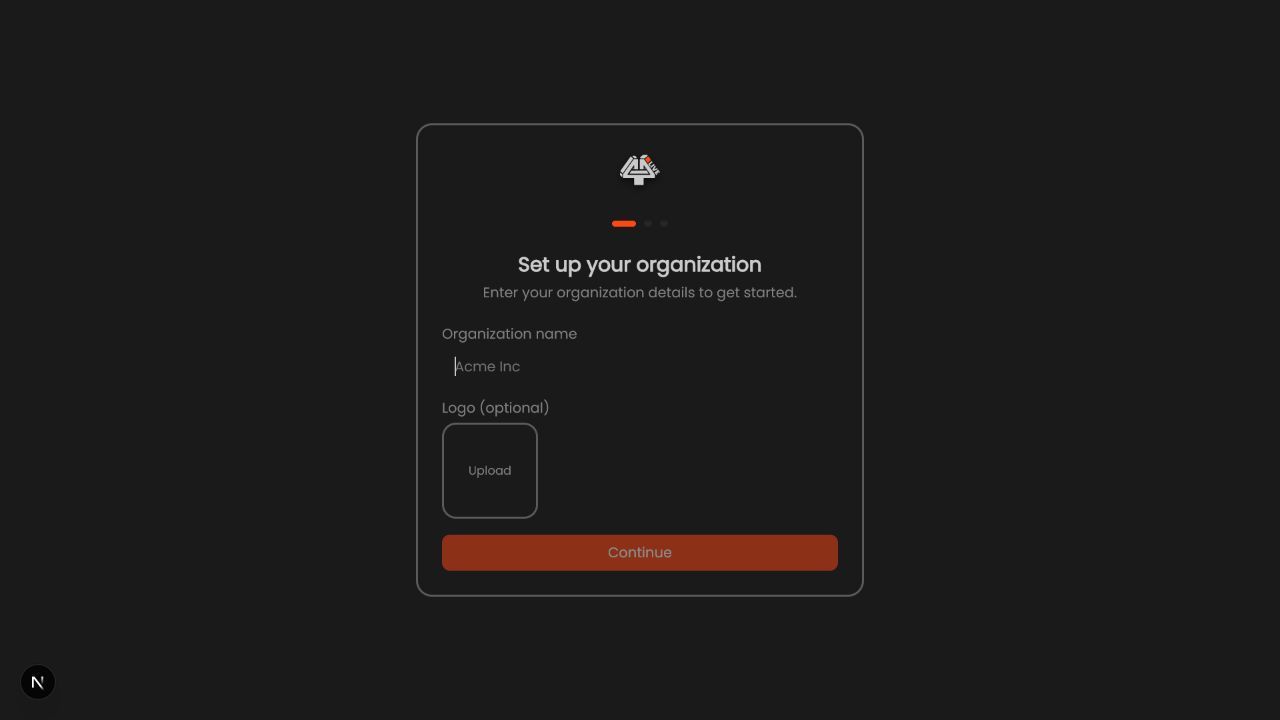
- Choose the workflow. Select personal viewer, venue display, broadcast, multilingual, ASL, XPression, Encoder, or a documented combination.
- Configure Input & Routing. Grant permission, select/test audio, assign speakers/channels, and set processing.
- Configure transcription. Choose source language, provider/model, credentials/funding path, and provider settings.
- Configure translation/TTS. Add required targets, tuning, glossary, and spoken-caption options.
- Configure caption behavior. Set partial/final/stability/deduplication and segment behavior for the output.
- Configure displays/ASL. Review Program, Closed Captions, Extended Screen, backgrounds, viewer, and ASL.
- Configure outputs and sharing. Prepare viewer link/QR/embed/Remote Control/desktop integrations.
- Run readiness checks. Resolve blocking items and review advisories.
- Save and enter Live Setup. Confirm all sections persisted.
What success looks like: The event reaches the intended saved or live state, and every required operator can verify the result without receiving unnecessary access.
Check your setup
- The Wizard produces a complete saved configuration that passes preflight and end-to-end output tests.
Troubleshooting
Cannot continue
Resolve the required field/check in the current step.
Setting disappears
Confirm save/autosave, event permission, organization, and network.
Wizard differs from Live Setup
Use Live Setup as the operational source and report reproducible inconsistency.
Security and operational notes
- Do not skip downstream output verification.
- Do not expose private links while sharing wizard progress.
- Re-run checks after material changes.
Related guides
- Navigate the Live Setup Workspace
- Preflight and Readiness
- Choose the Right 4All Workflow
Was this helpful?
Still need help? Ask the team